Payment & Security
Payment & Security
A clear checkout should make it easy to review your food order, delivery information and final amount before payment. This guide explains how to approach checkout confidently and what to do when a payment needs attention.
Available payment options and the final payable amount are shown during checkout. Review the complete order before confirming payment.
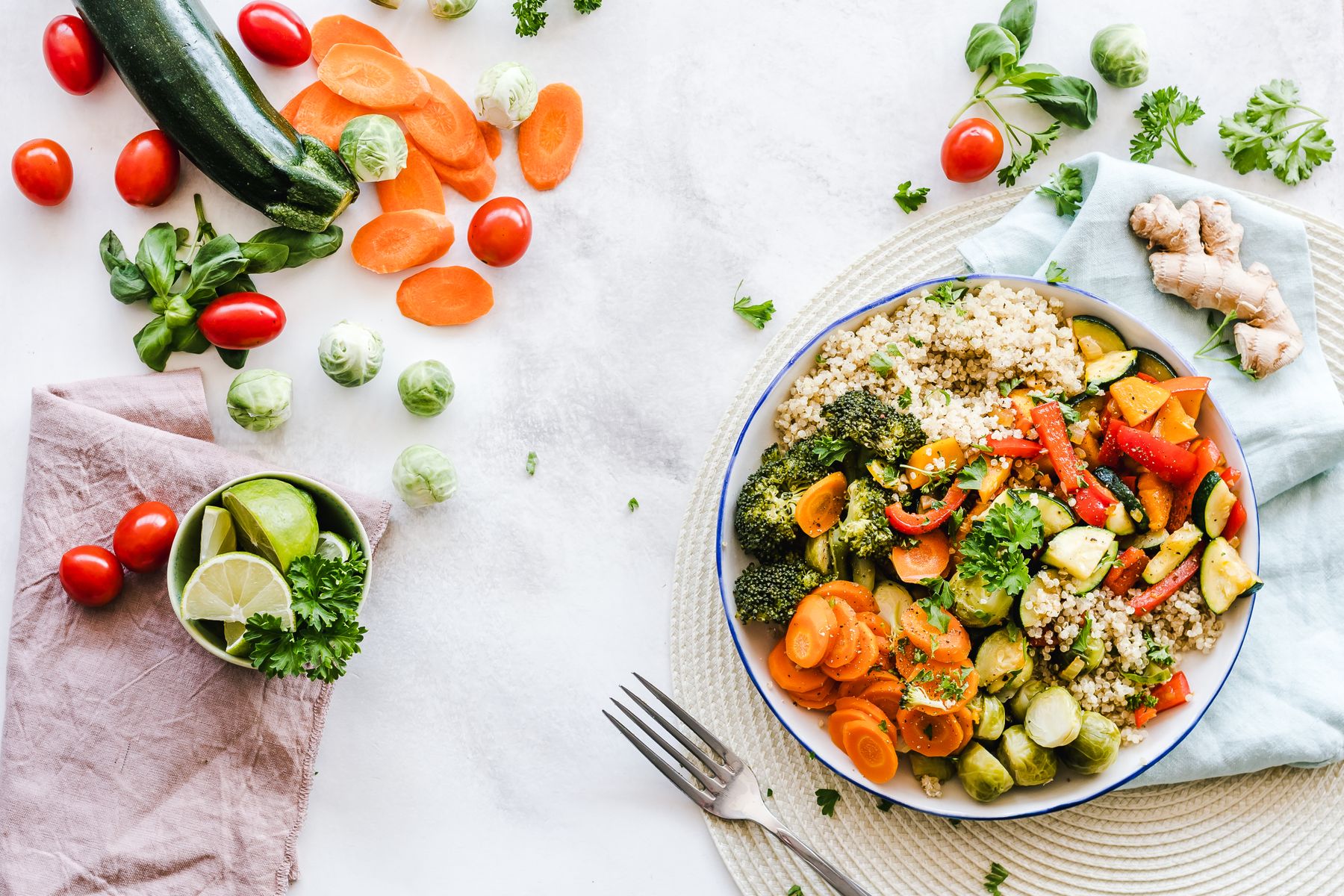
Three details to review before submitting payment.
A few careful checks can prevent common order issues. Confirm the cart contents, delivery information and final total before completing checkout.
Review your cart
Check product names, quantities and any selected options. Remove unintended items and confirm that the order reflects what you want to receive.
Confirm products and quantitiesConfirm delivery details
Review the recipient name, street address, apartment or unit information, city, state, postal code and contact details.
Accurate information mattersCheck the final amount
Review the order subtotal, shipping information and complete payable total shown during checkout before authorizing payment.
Approve only the correct totalFrom food discovery to order confirmation.
Payment methods can vary by checkout availability. Use only the options presented inside the active Tastyora checkout process.
Build your order
Add snacks, breakfast foods, beverages or pantry staples and review the cart before continuing.
Products and quantitiesEnter your details
Provide accurate contact, billing and delivery information using the fields shown during checkout.
Address and contact reviewChoose an available method
Select from the payment options presented at checkout and complete any required verification steps.
Use checkout options onlyKeep the confirmation
Save your order confirmation and use the order information when contacting Tastyora for assistance.
Retain your order detailsSimple checks for a smoother food order.
Payment confidence comes from reviewing the page, checking the final amount and keeping sensitive details inside the checkout process.
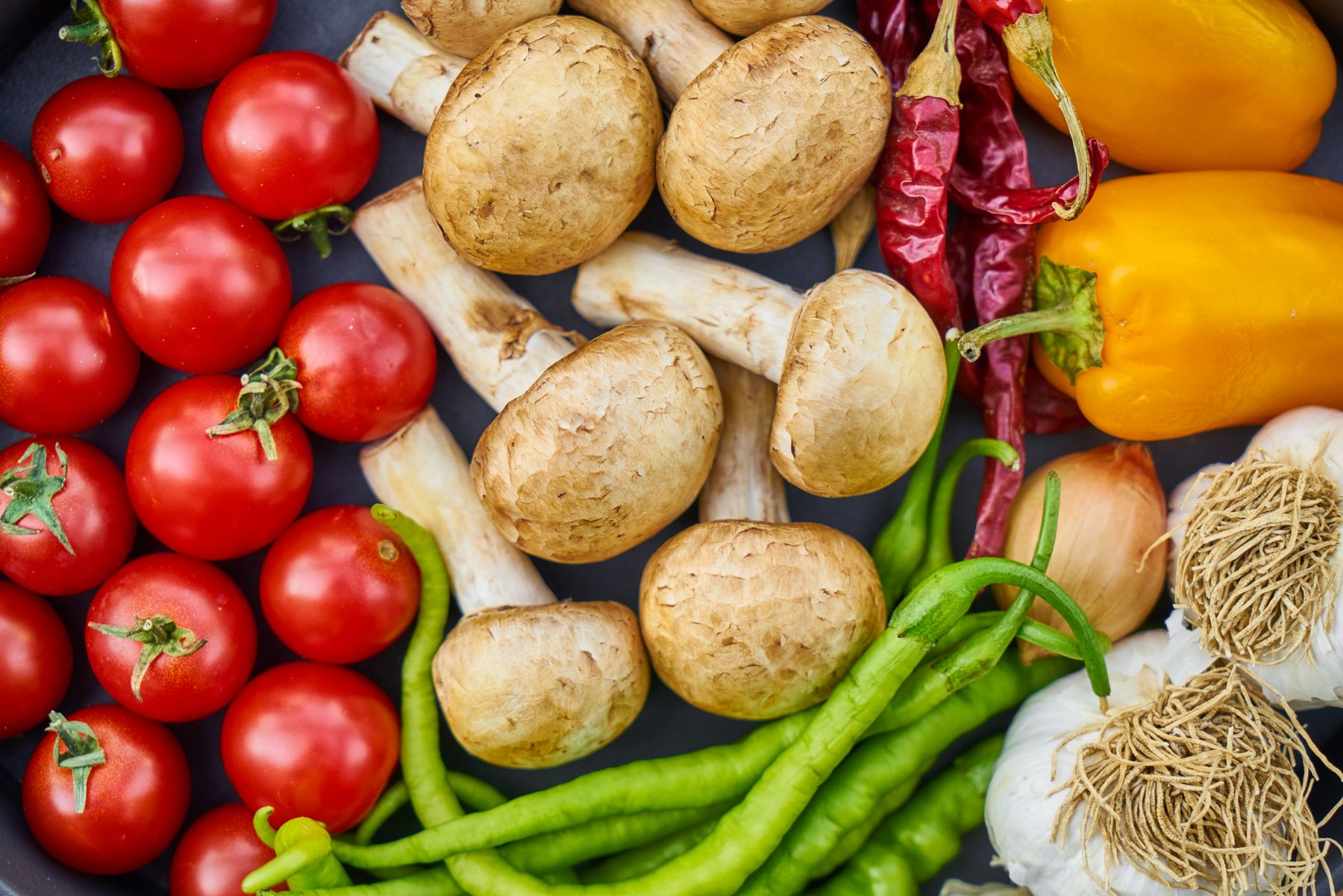
Pause for one final order review.
The checkout page should clearly show the products, contact details, delivery information and final amount connected to your order.
- Confirm that the page belongs to the Tastyora shopping and checkout experience.
- Review product quantities and remove any accidental additions.
- Check the billing and delivery information for spelling or number errors.
- Read the final amount before selecting the control that confirms payment.
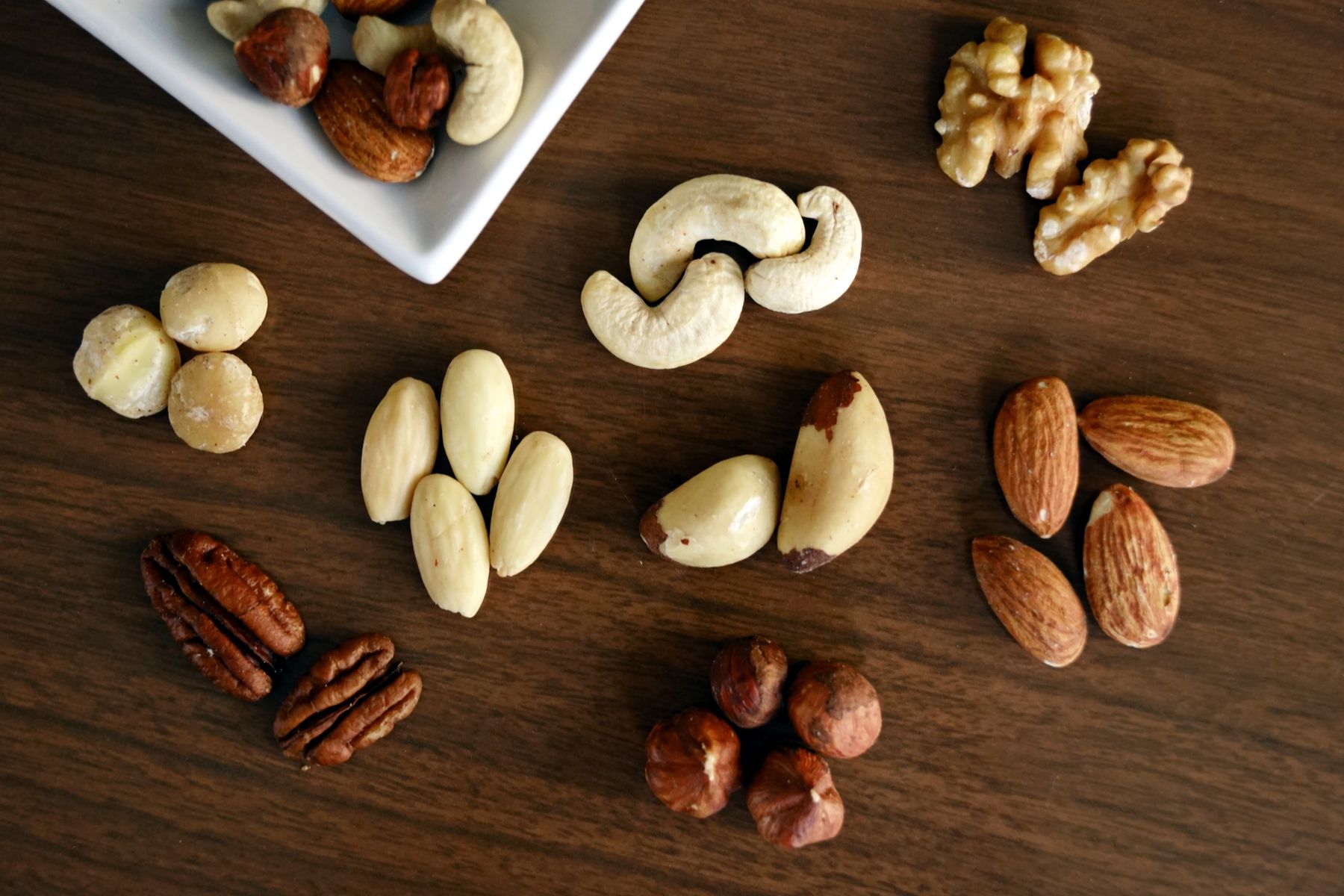
Keep payment details inside the checkout process.
Tastyora support can help with order questions, but sensitive payment credentials should not be sent through ordinary messages.
- Do not email your complete card number, security code or account password.
- Do not send payment credentials through contact forms or social messages.
- Use the payment fields and verification steps presented during checkout.
- Contact your payment provider directly when an account or card issue requires their assistance.
Useful habits before and after checkout.
These practical habits support clearer communication when a payment, order confirmation or billing question needs attention.
Keep your confirmation
Save the order confirmation and any order reference provided after checkout. This information helps our team locate the correct order when support is needed.
Allow time for status updates
A payment attempt and an order confirmation are separate signals. Review the checkout result and your order communication before attempting another payment.
Share only useful order details
When contacting Tastyora, provide the order reference, purchaser name and a clear description of the issue. Do not include complete card credentials or passwords.
Check the checkout result before trying again.
If checkout does not complete as expected, review any message displayed on the page and confirm that the billing information matches the details connected to the payment method.
When the issue concerns card availability, account restrictions, verification or a payment-provider decision, contact the relevant payment provider directly. Tastyora can assist with order status and store-related questions.
Clear answers for checkout and billing.
Available payment options and checkout messages should be reviewed directly during the active order process.
Which payment methods can I use?
When should I review the final total?
What should I do if my payment does not complete?
Should I send my card information to Tastyora support?
What information should I provide when asking for help?
How long does Tastyora shipping take?
A clearer checkout for everyday food discovery.
Explore Tastyora snacks, breakfast foods, pantry staples and beverages, then review every order detail before completing payment.
Clear Order Review
Confirm products, details and final amount.
3–5 Business Days
Tastyora's standard shipping timeframe.
Order Support
Contact info@tastyora.lol for assistance.